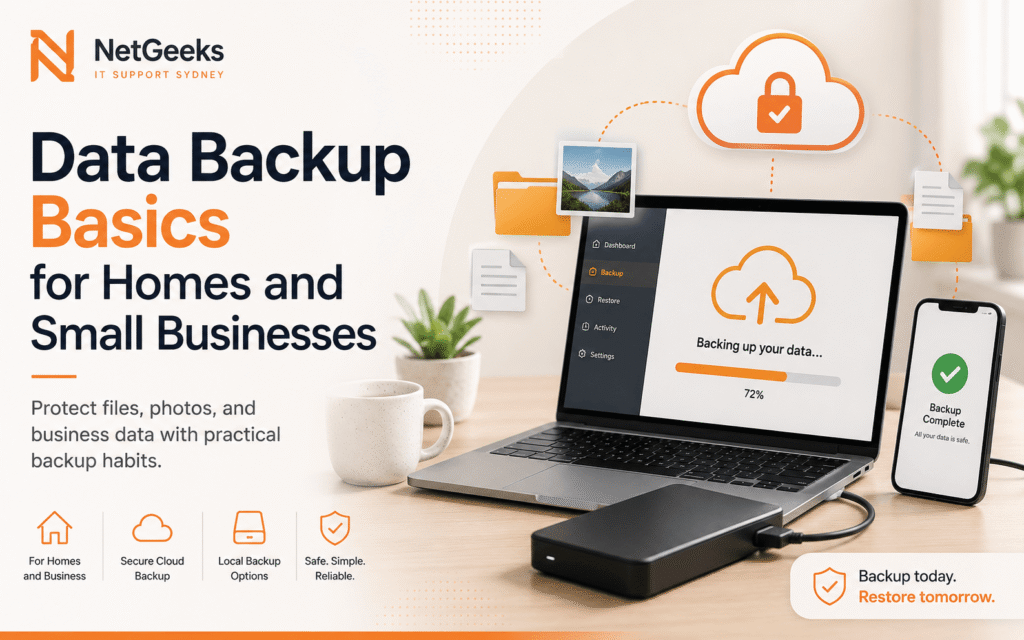
Backups are easy to ignore until a laptop fails, a phone is lost or a file is accidentally deleted. A good backup plan does not need to be complicated. It needs to be clear, automatic where possible and tested.
If you would rather get practical help straight away, visit our Data Recovery Services page for hands-on support, booking options and common repair questions.
Know where important files live
Documents, photos, desktop folders, email archives, accounting files and phone media may be stored in different places. Before choosing a backup method, list the devices and accounts that hold important information.
Use more than one backup location
A single external drive is better than nothing, but it can fail, be lost or be damaged. Many homes and small businesses use a mix of cloud backup and local backup so files are protected from different types of problems.
Test recovery, not just backup
A backup that cannot restore files is not useful. Open a few recovered files, check dates and make sure the backup includes the folders you care about. This is especially important for photos and business records.
Do not wait until the drive is failing
Clicking sounds, repeated errors, disappearing folders and very slow file access can be signs of storage trouble. Stop unnecessary use and get advice before repeated attempts make recovery harder.
Quick checklist
- Keep at least one backup separate from the main device.
- Test a small restore regularly.
- Protect cloud accounts with strong passwords and two-step verification.
- Get help quickly if a drive starts failing.
When it makes sense to get help
Need a safer backup plan or help recovering files? NetGeeks can review your devices, cloud accounts and recovery options.
Helpful next steps
You may also find these NetGeeks pages useful if the issue affects more than one device, account or setup area.
Need help with the same issue?
NetGeeks supports homes and small businesses across Sydney with onsite, remote and practical tech help.